How it works
A guided conversation, not a blank page
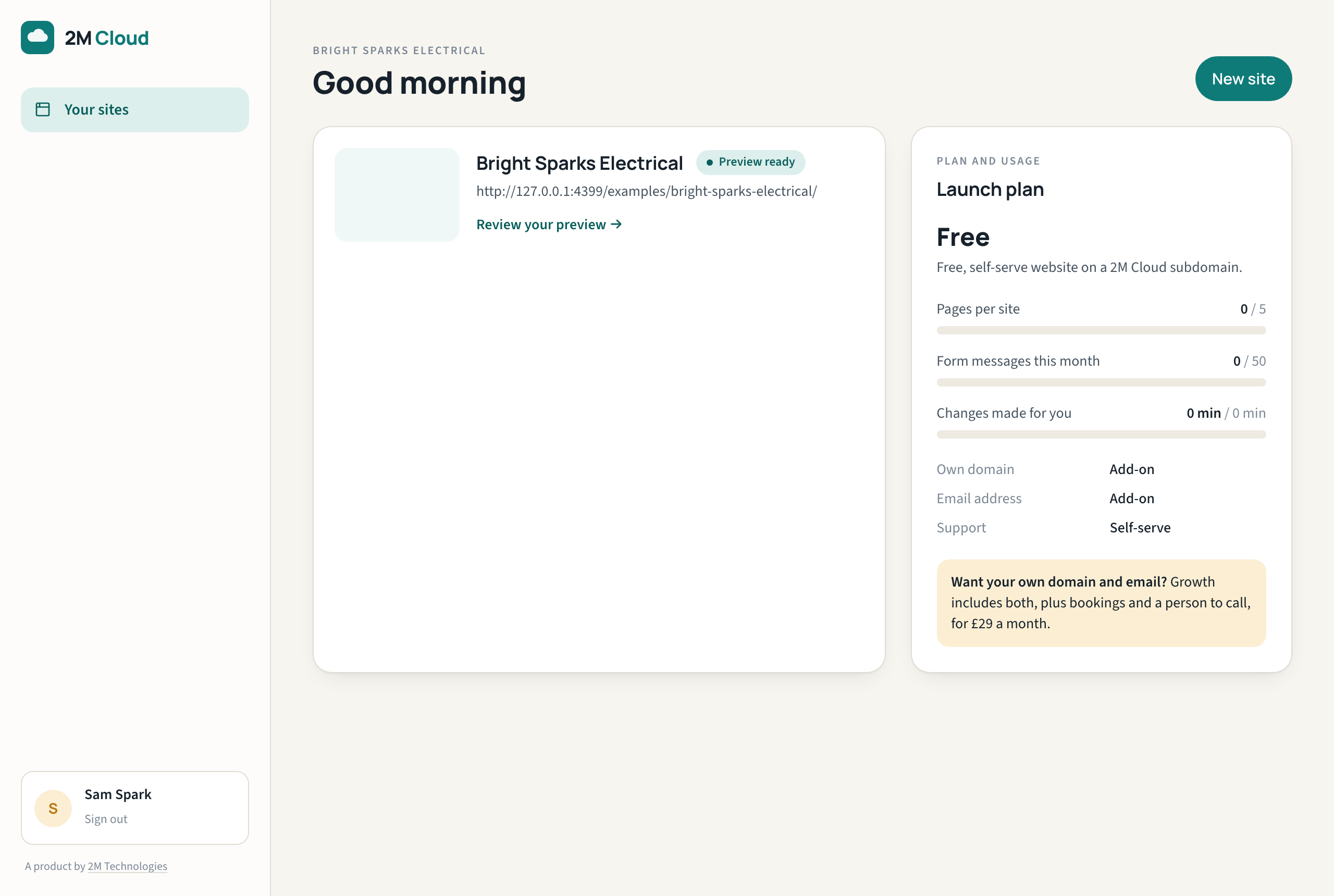
Most website builders hand you an empty canvas. 2M Cloud asks about your business, then does the building. Here is each step, with the real screens.
Step 1
Tell us about your business
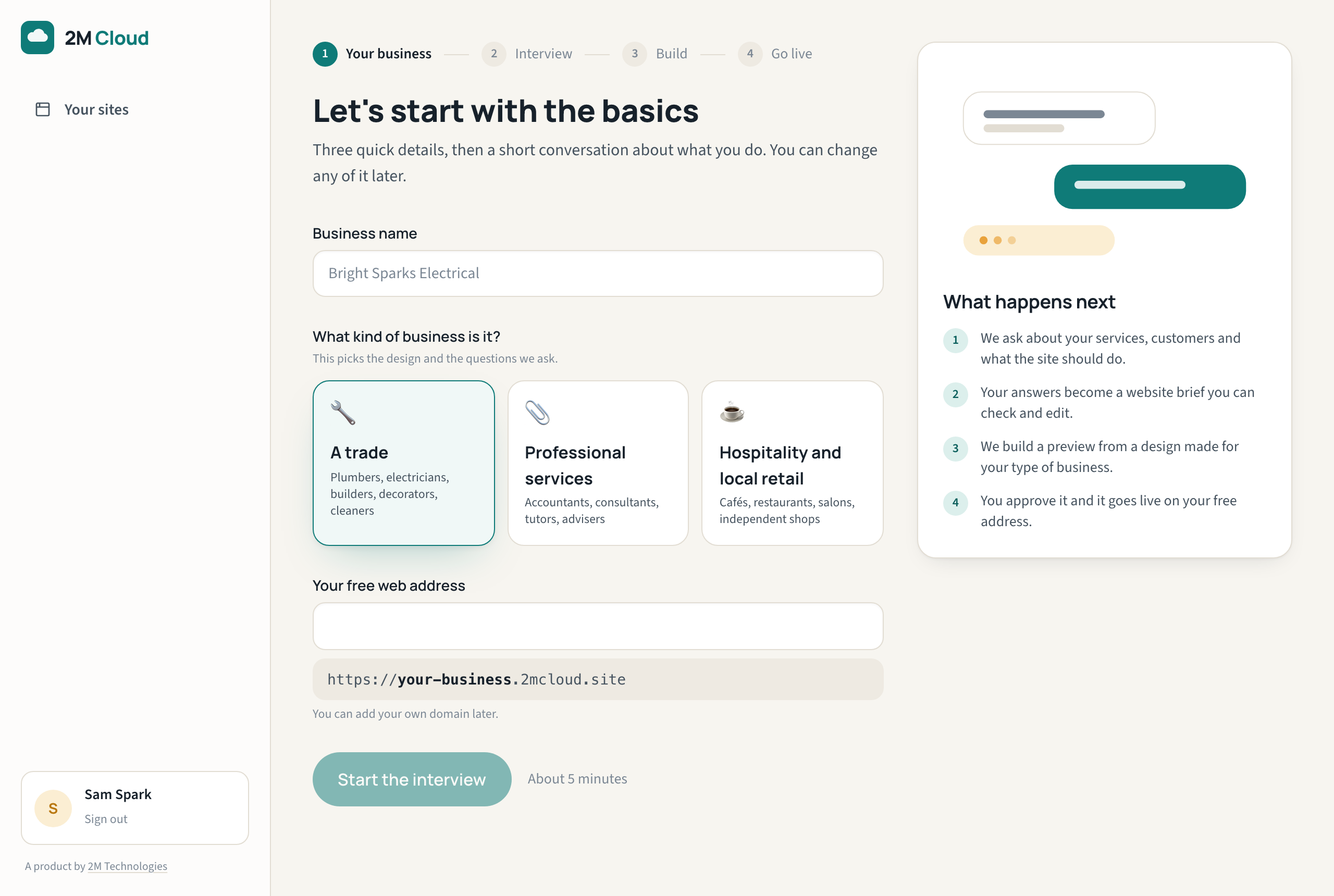
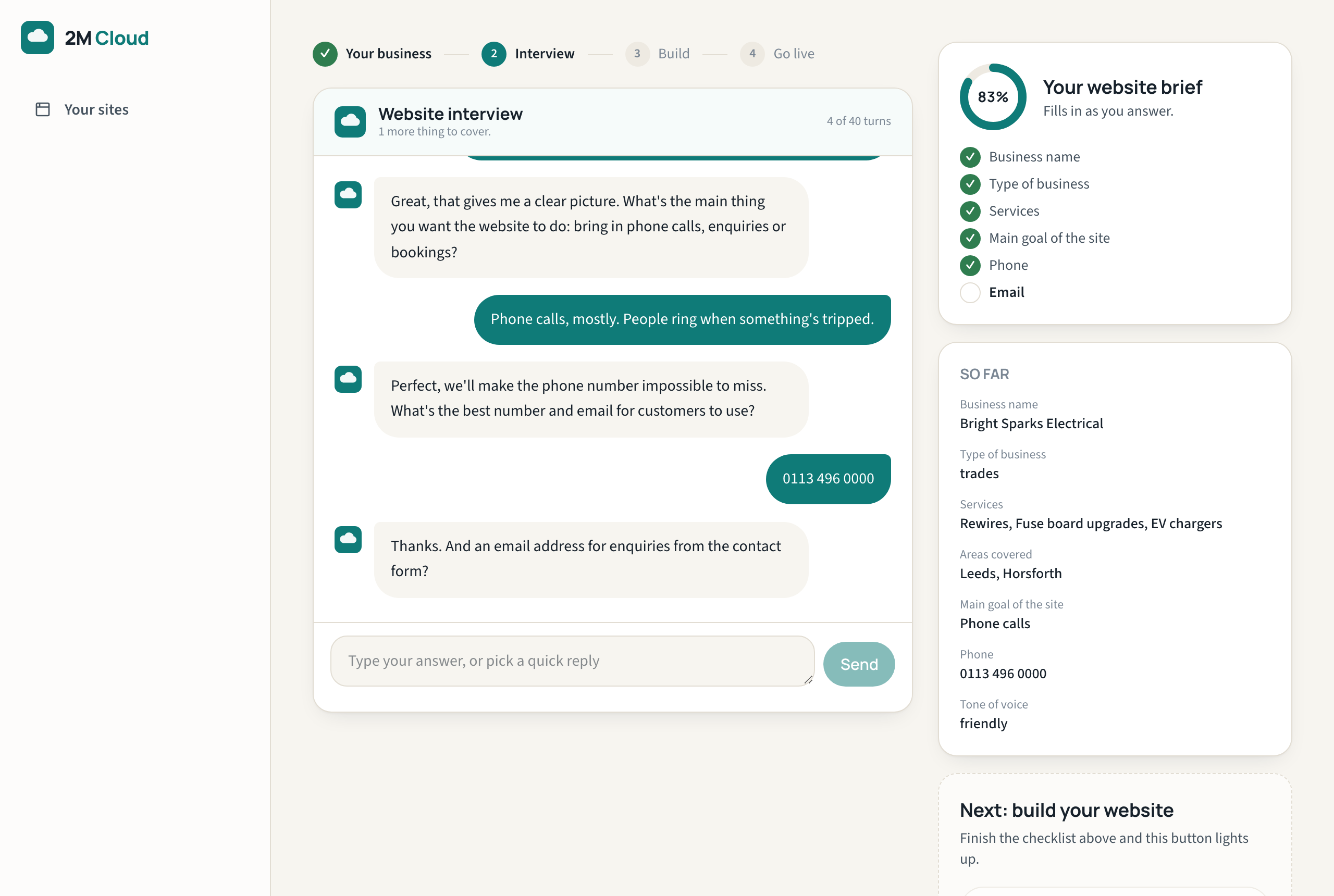
Start with your business name and type. Then a short interview asks what you do, who you serve, what the site should achieve and how people should contact you. Quick replies cover the common answers; a brief builds up beside the conversation so you can see what we have understood.
Step 2
We build your website
Your answers become a structured website: pages, sections, copy and calls to action, inside a professionally designed template for your type of business. AI helps write and organise the content; the design and structure are ours, so every site looks finished rather than generated.
Step 3
Review it
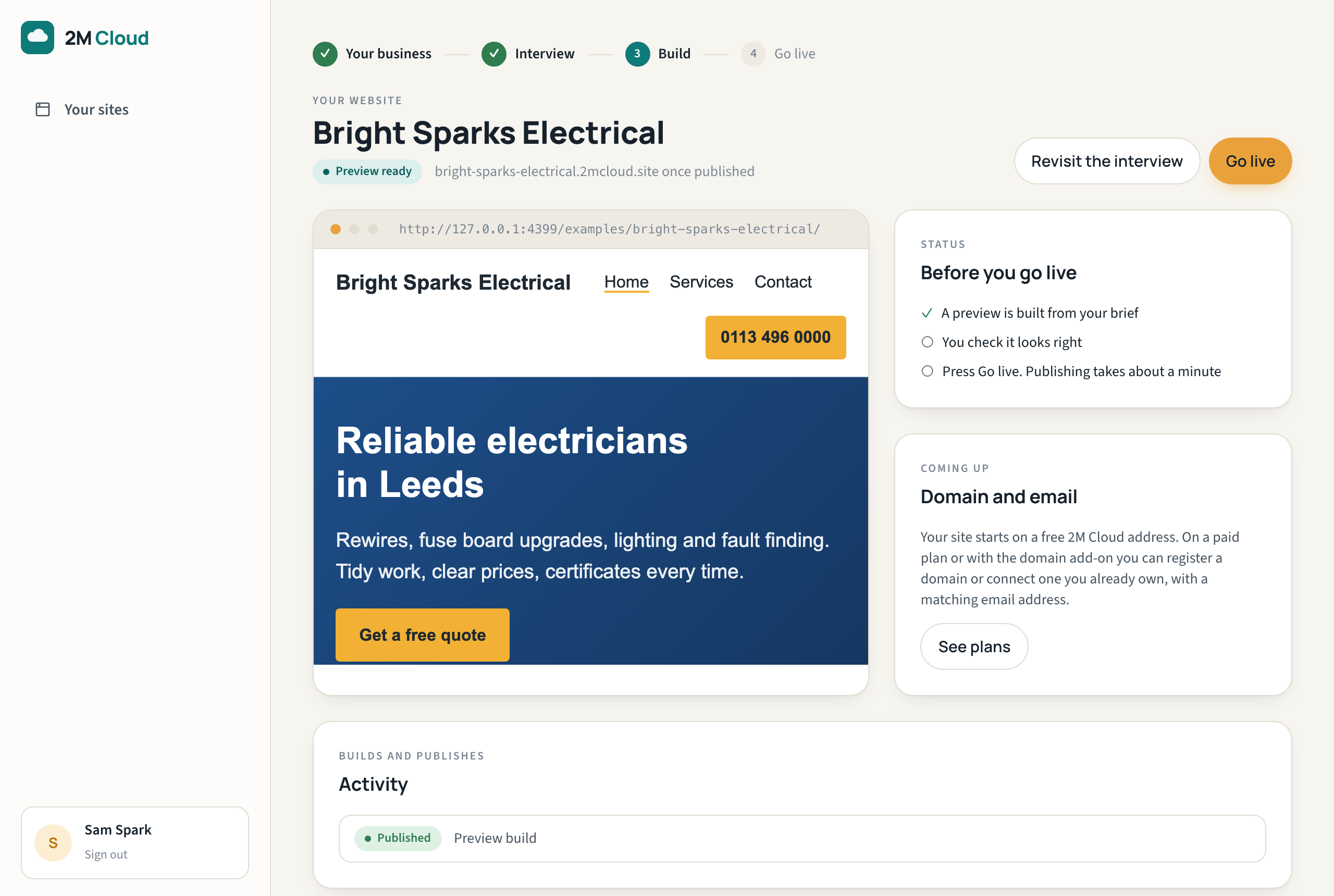
A preview of the whole site appears in your account. Read it on desktop and phone. If something is not right, change your answers and build again. Nothing is published until you press Go live.
Step 4
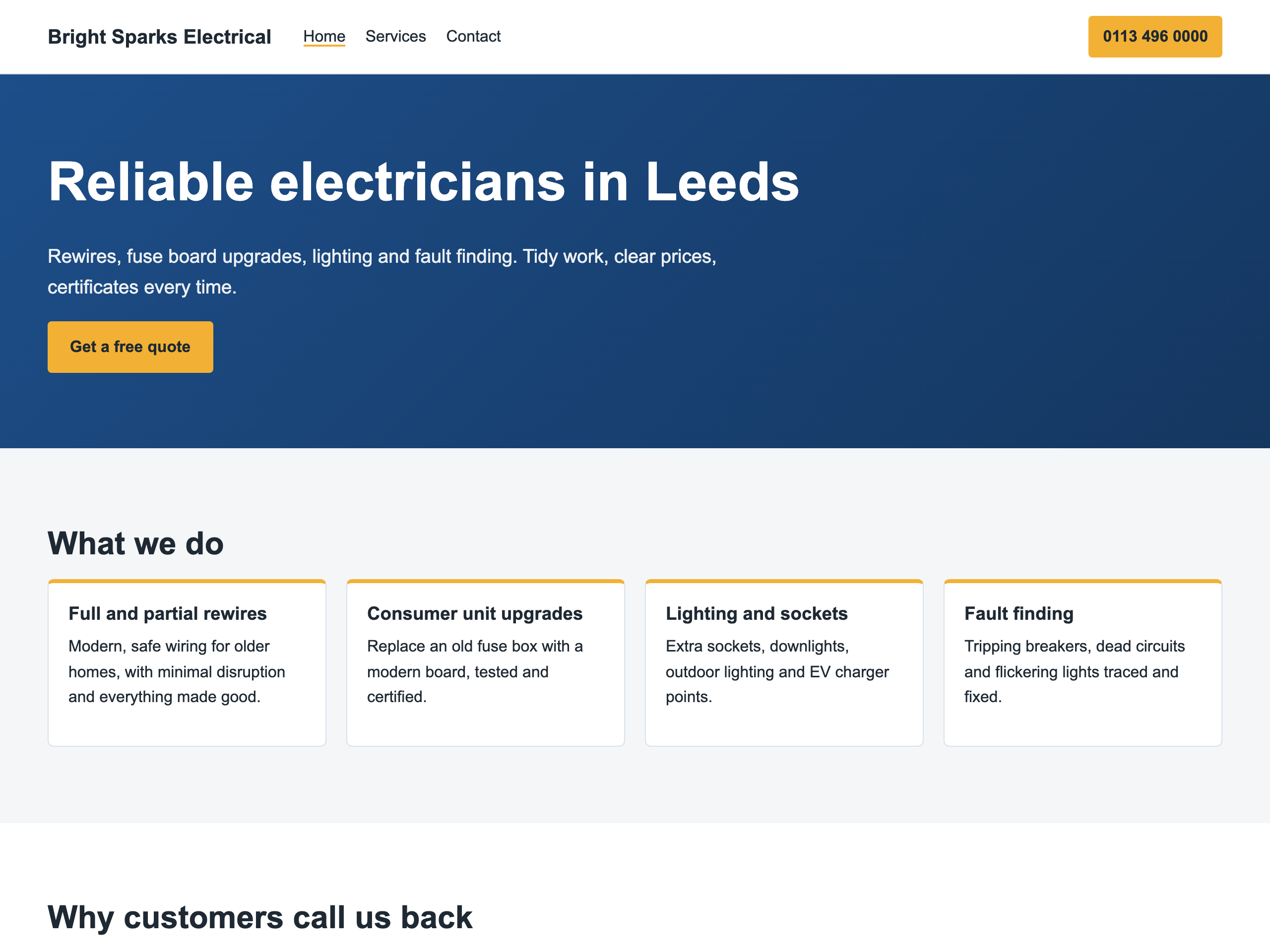
Go live
Publishing takes about a minute. Free sites live on your own 2M Cloud address. On a paid plan, or with the domain add-on, register a domain in the app or connect one you already own, with a matching email address.
Step 5
We keep it running
Hosting, SSL, backups and security updates are part of every plan. Paid plans add support with a response target and a monthly allowance of changes we make for you. Growth and Commerce customers can also ask for a person to check each publish before it goes live.